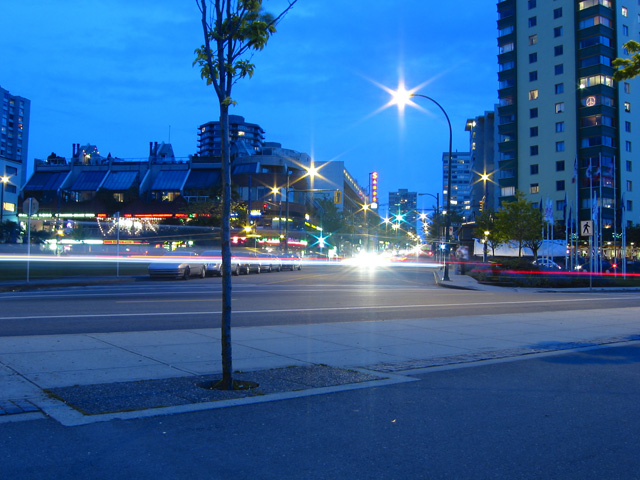
This technique produce the best results and is extremely fast and easy. Use this whenever possible for non-raw photos.
Step 1
Color Correcting Overlay with Photoshop
This is one of the techniques I've developed probably over a year ago when I wasn't very good with Photoshop. It worked very well on some photos, but not on all. If you're unable to fix the white balance with the Levels technique, give this one a try.
Step 1
Download and save the following JPG file to your computer then open it inside Adobe Photoshop.
kitchen 23.94 Kb (right-mouse click> Save As)