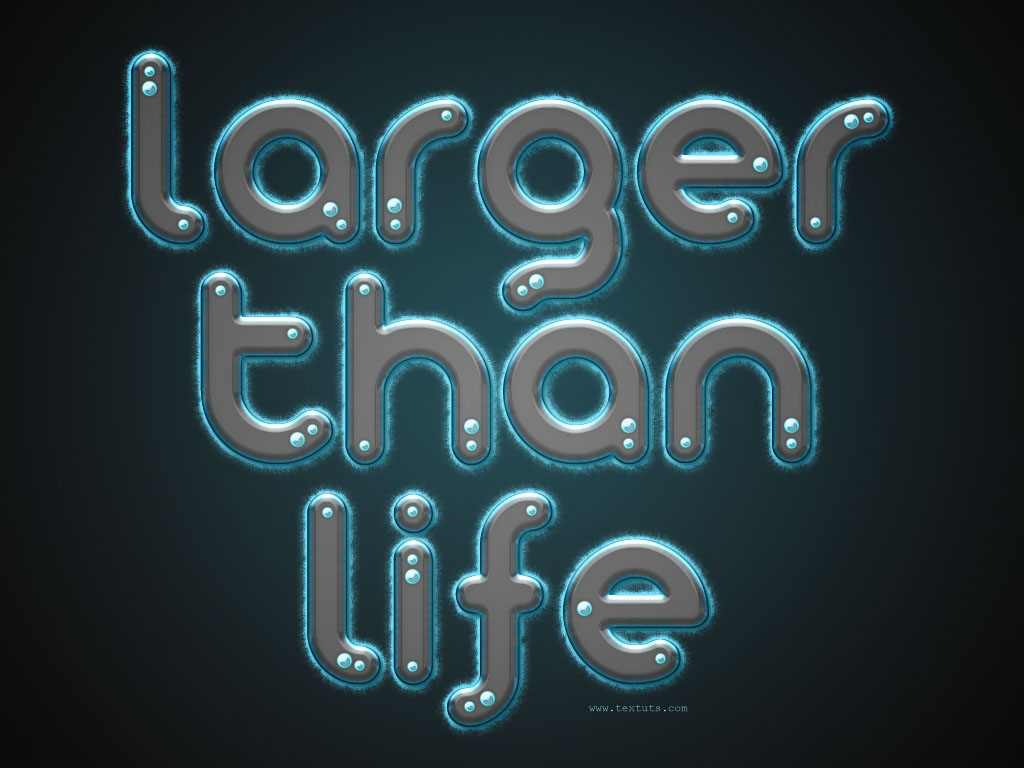
In this tutorial, we are going to create a glowing glossy futuristic looking text effect. Many layer styles will be applied to achieve this text effect, along with a nice brush trick to create the feathery fluffy stroke.
In this tutorial you learn how you can convert your normal text into magic glowing sparkles. Using stroke path and layer style it isn't so hard to get this texteffect
Get started, type the text and prepare it to release the sparkles.
Create a new document 400 x 300px and fill it will black.
Create a new .psd file of 2000px width and 3300px height, 72dpi.
Click twice on the Background to make an ordinary layer of it as you’ll need to apply layer style later. Rename this Layer 0 as Background again for your convenience.