Showing posts with label free learn. Show all posts

Create Colorful woodpecker and tree scenes

This tutorial is intended for everyone who is beginning at digital drawing/painting, if you like drawing and Photoshop then you are the perfect candidate to follow this tutorial.

I will show here how I have made this image from scratch, using simple techniques like clipping masks and layer blending modes. The tools I used were basically the brush and the smudge ones; I also used the fibers filter to make some texture.

Once you have a clear idea of what you want to get, it is always useful searching for some references. We need to create an old tree and a woodpecker for the image. Looking for some pictures of the elements I wanted to create was very helpful for me before doing anything else.

There are a lot of pictures of woodpeckers and old trees at SCX. Look for some woodpeckers pictures. The things you have to take into account are the proportions and check the colors. Look also the usual positions of this birds on the tree. In order to help you to create the tree you can search for some old trees on the web and check of the trunks forms and shapes. Check also how the bark fits into the trunk to have a clear idea of what you should paint.
Create a Colorful Woodpecker and Tree Scenery
Read More

Design A Old Style Photo Effect using Photoshop


Design A Old Style Photo Effect using Photoshop
Today I am going to show you a useful tutorial. In this tutorial you can learn how to create old style photo effect with interesting accent. So let’s have a try…
At first you need to find some appropriate picture for our tutorial. Actually you can find pictures in Google search or use this picture. Open our original picture and apply Image > Adjustments > Hue/Saturation with next presets to change hue and saturation:
Read More

9 Creative Portrait Effects Photoshop Tutorials

Portrait effects are no longer constrained to vignettes or simple stencil effects. This area has vertiginously evolved to an unbelievable level of creativity and complexity. So, don’t expect to find your average two step special effect. Many of these require a lot of work, which in the end will result in a lot of Photoshop techniques learned. 
As usual, don’t try this with your average bad quality family photos. These effects require good quality high resolution images to obtain optimum results.
portrait effects

Read More

Make a Beautiful Rainbow Lighting coloring effect in photoshop


Today I will be showing you how to take a stock image and turn it into a futuristic composition that uses various Photoshop techniques. We will be doing some work with Brush tool and implementing color and light effects to achieve the end result. If you are ready then start up Photoshop and let’s get started
Final Image Preview 
110 240x300 Make a Beautiful Rainbow Lighting and Coloring Effect on Image with Photoshop
Start working by creating a new document (Ctrl+N) in Adobe Photoshop with the size 1024px by 1280px (RGB color mode) at a resolution of 72 pixels/inch. Select the background layer in Layers panel and click on Add a layer style icon from bottom part of the Layers panel to select Gradient Overlay.
Read More

Hand Coloring black and white Photograph


Do you have old black and white photographs that you would like to
color? Well you no longer have to undergo the torture of tediously
hand coloring them anymore. You can use Photoshop to do the
job for you. Follow below step by step instructions for more details:
This tutorial aims to show you just how this can be done. As the first
step you need to select a black and white photograph and load it on to
Photoshop. You can scan it or get it from a digital camera. The
photograph we have selected is the one shown in figure 1. It is a
pretty complicated picture.


Figure 1.

Read More

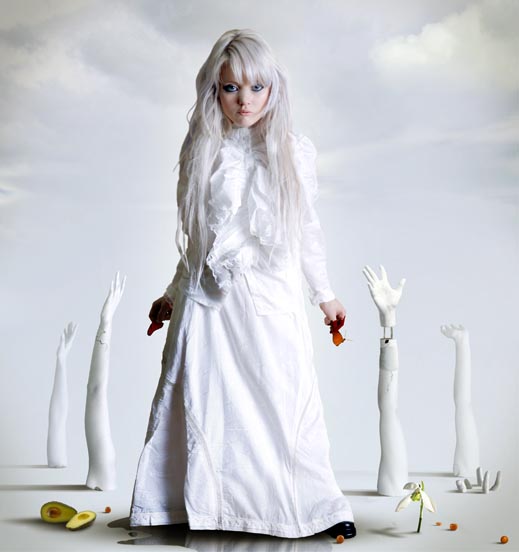
Combine Images to Create a Surreal Portrait in Photoshop


Final Product What You'll Be Creating

The liquify tool is great for making adjustments to photographs. In this tutorial we will use the liquify tool and several image blending techniques to create a surreal and slightly creepy photo manipulation. Let’s get started!
Read More

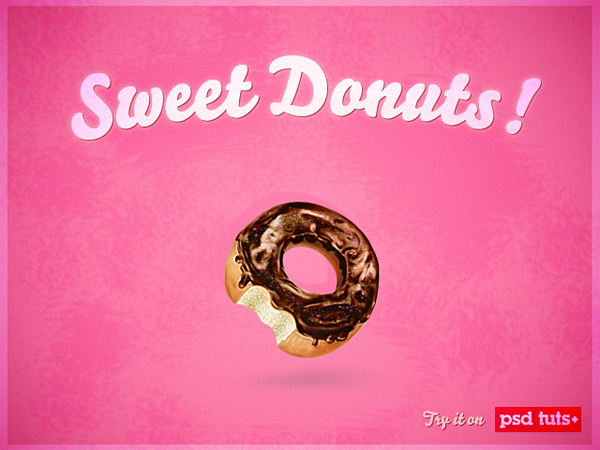
Create a Sweet Donut Icon in Photoshop from Scratch


Final Product What You'll Be Creating

In this icon design tutorial we will learn how to make a sweet and tasty donut icon from an initial sketch. So let’s begin, and remember: don’t try to bite the screen!
Read More

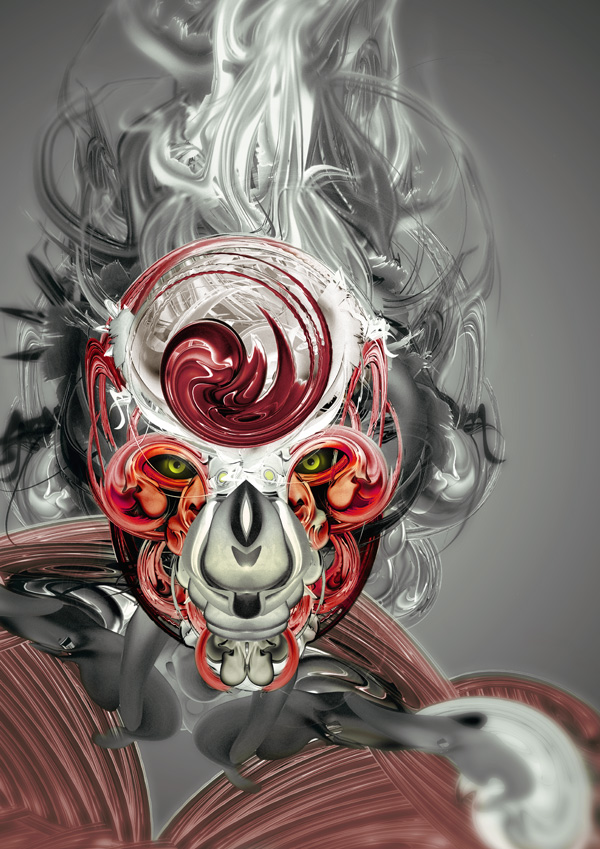
Create Awesome Abstract Illustrations Using Stock Art


Final Product What You'll Be Creatin

Read More

Create abstract Valentine’s Day illustration with hearts CS5


In this tutorial, I will show you how to create abstract eye catching Valentine’s Day illustration with hearts from scratch using several techniques in Adobe Photoshop CS5. Let’s get started!

Final Image Preview

How to create abstract Valentine's Day illustration with hearts in Photoshop CS5
Start working by creating a new document (Ctrl+N) in Adobe Photoshop CS5 with the size 
Read More

Posable Figurines using Photoshop and iClone4 create advertisement


Learn how to create a coffee shop advertisement using Photoshop and iClone4. The first part of this tutorial will show you how to create a swirling milky coffee. The second part will show you how to use iClone to put a 3D model in the coffee. You’ll finish the artwork in Photoshop where you’ll combine the 3D model and coffee together and apply the finishing touches.

Preview of Final Results

pose001
Read More