Showing posts with label 3d typography. Show all posts

Zoom Enhanced Eyes Effect Photoshop CS6

In this Photoshop tutorial, we’ll learn how to give someone’s eyes an almost otherworldly “radial zoom” effect, with bright, colorful blur streaks that zoom out from the center of the eyes. As we’ll see, the effect is very easy to create using nothing more than a basic selection tool, a couple of Photoshop’s filters, a layer mask, and a layer blend mode!
This version of the tutorial has been updated for Photoshop CS6 and is also fully compatible with Photoshop CC (Creative Cloud). For CS5 and earlier, you’ll want to check out our original Radial Zoom Enhanced Eyes tutorial.
Download our tutorials as print-ready PDFs! Learning Photoshop has never been easier!
Here’s the image I’ll be working with (glamour eyes photo from Shutterstock):
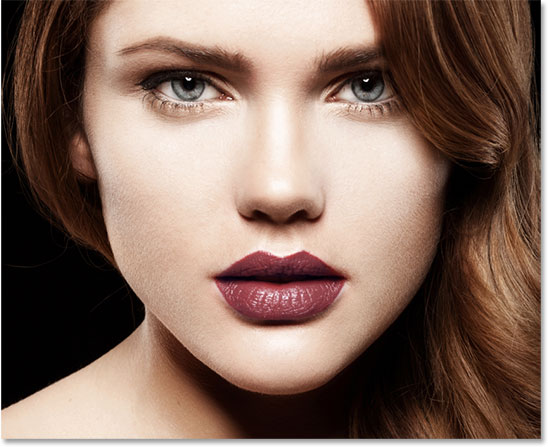
Image 136438325 licensed and used by permission from Shutterstock by Photoshop Essentials.com.
Read More

Photo Into Pattern Colored Dots With Photoshop

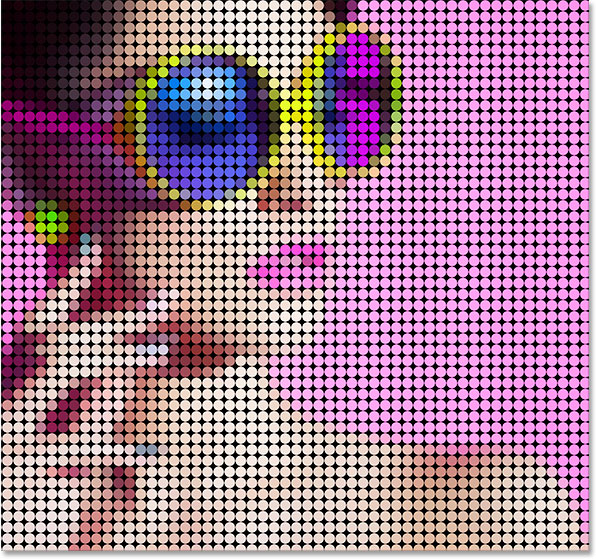
In this photo effects tutorial, we’ll learn how to turn a photo into a pattern of solid-colored dots! As we’ll see, all it takes to create the effect is one of Photoshop’s filters, a layer mask and a simple custom-made pattern, although we’ll add a few extra (but still very easy) steps at the end to enhance things even further. It can take a bit of trial and error to match up the size of the dots with your specific image, so to keep things as flexible as possible, we’ll be taking advantage of Smart Objects and Smart Filters.
I’ll be using Photoshop CS6 here but this tutorial is also fully compatible with Photoshop CC (Creative Cloud). If you’re using CS5 or earlier, you’ll want to follow along with the original version of the tutorial.
Download our tutorials as print-ready PDFs! Learning Photoshop has never been easier!
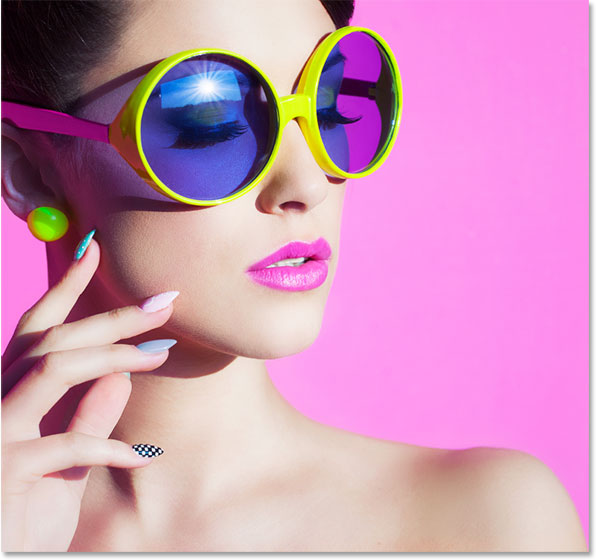
Here’s the image I’ll be working with (colorful sunglasses photo from Shutterstock):
Image 190735949 licensed and used by permission from Shutterstock by Photoshop Essentials.com.
The original image.
And here’s what the "colored dot pattern" effect will look like when we’re done:
Image 190735949 licensed and used by permission from Shutterstock by Photoshop Essentials.com.
Read More

Stunning neon light 3d typography


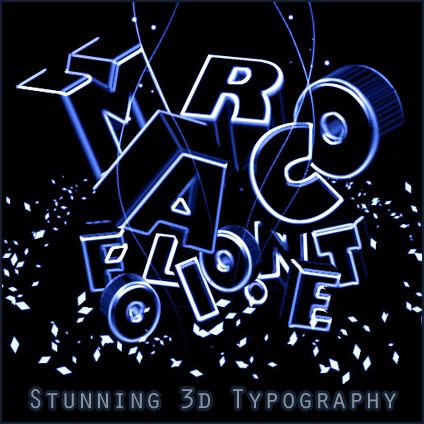
This tutorial is inspired by one of the creations I placed in the beauty of 3d typography article. By combining the powers ofIllustrator and Photoshop, you can recreate this awesome technique.
Typography is a really hot topic at this moment in the design sphere and neon light is and has always been an effective way to attract users. Combine these two to make some beautiful artwork.
Read More

Photoshop Typography in 3D Style

Introduction

In this tutorial we are going to go over various techniques you may have seen before, as well as a bulk of techniques that may be new to you. After you have completed this intense walk though, I assure you will be able to explore even more new ways of creating typefaces as well as other types of ideas. Inspired by the work, I decided to re-create an old piece of mine using the techniques I am about to show. The completion of this effect will probably take around 8 hours collectively; however, once learned, the process shall be pretty easy and fast to replicate. Even though it is extensive, nevertheless it will be very fun and insightful. The final effect is shown below. Alright, lets do this fellas!
Nasty

Lets Get Started

We shall start out by choosing a typeface that appeals to us the most. Personally, I love the new blocky typefaces we are seeing more and more nowadays. You can purchase many of them at myfonts, or look at the free ones at fontstruct (pretty amazing free fonts).
The typeface I have chosen for the image above (MOD) can be found here.This font is created by a great typographer named Svetoslav Simov. You may have noticed my font is very distinct from the actual MOD font created by Simov, due to modifications I made to the lettering in illustrator. We can now open up illustrator and load in any document size. The size of the document does not matter at this moment because we will be importing the finished illustration into Photoshop as a Smart Object.

Read More